I don’t know about you, but the number of times I’ve signed up for a free trial of an app or service and completely forgotten about it, only to get hit with unexpected monthly charges on my credit card statement is…well, it’s a lot. And while there are a few ways to remind yourself when those free trials end, some of us just like to watch the world burn (i.e. cancel the subscription after it’s charged and plead to the customer service gods for a refund).
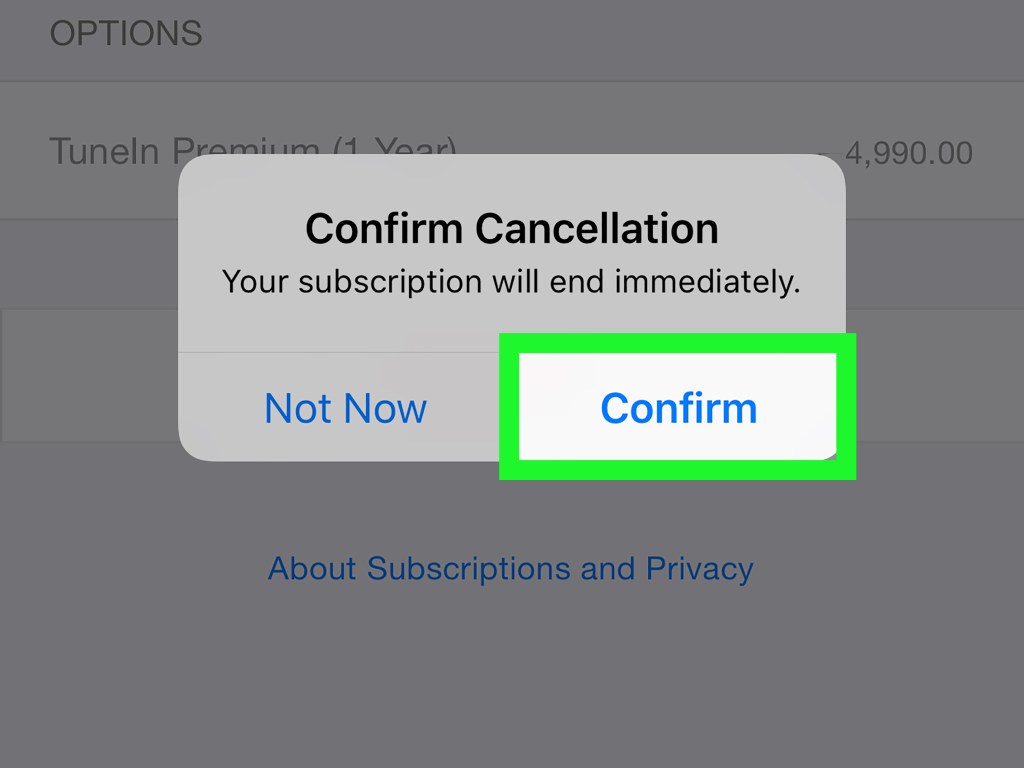
Luckily, canceling a subscription on your phone isn’t all that difficult once you know what settings to dive into.
On your iPhone, tap Settings, Apple ID, then Subscriptions. You can easily view what active subscriptions you’re signed up for and cancel them. You can even turn on a setting to receive renewal receipts before you’re charged. On Android, the settings are similar: Open your Google account’s Payment & Subscriptions section, then tap Play Store, select the hamburger icon (the three lines), and Subscriptions. You can view all of your active subscriptions and cancel them at any time.

